AURIK K1
A launch site for a concept keyboard, built in code and rendered live in your browser
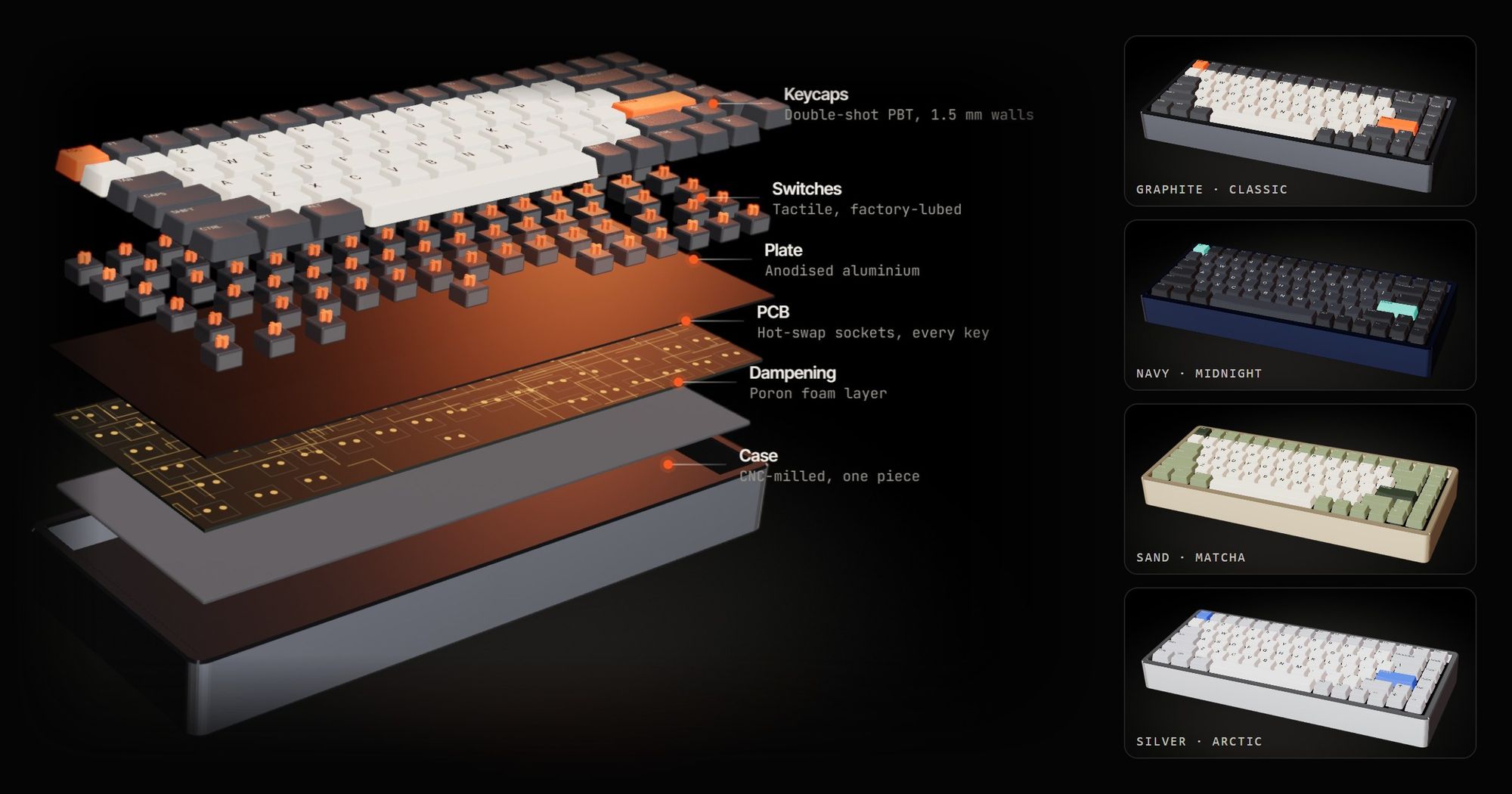
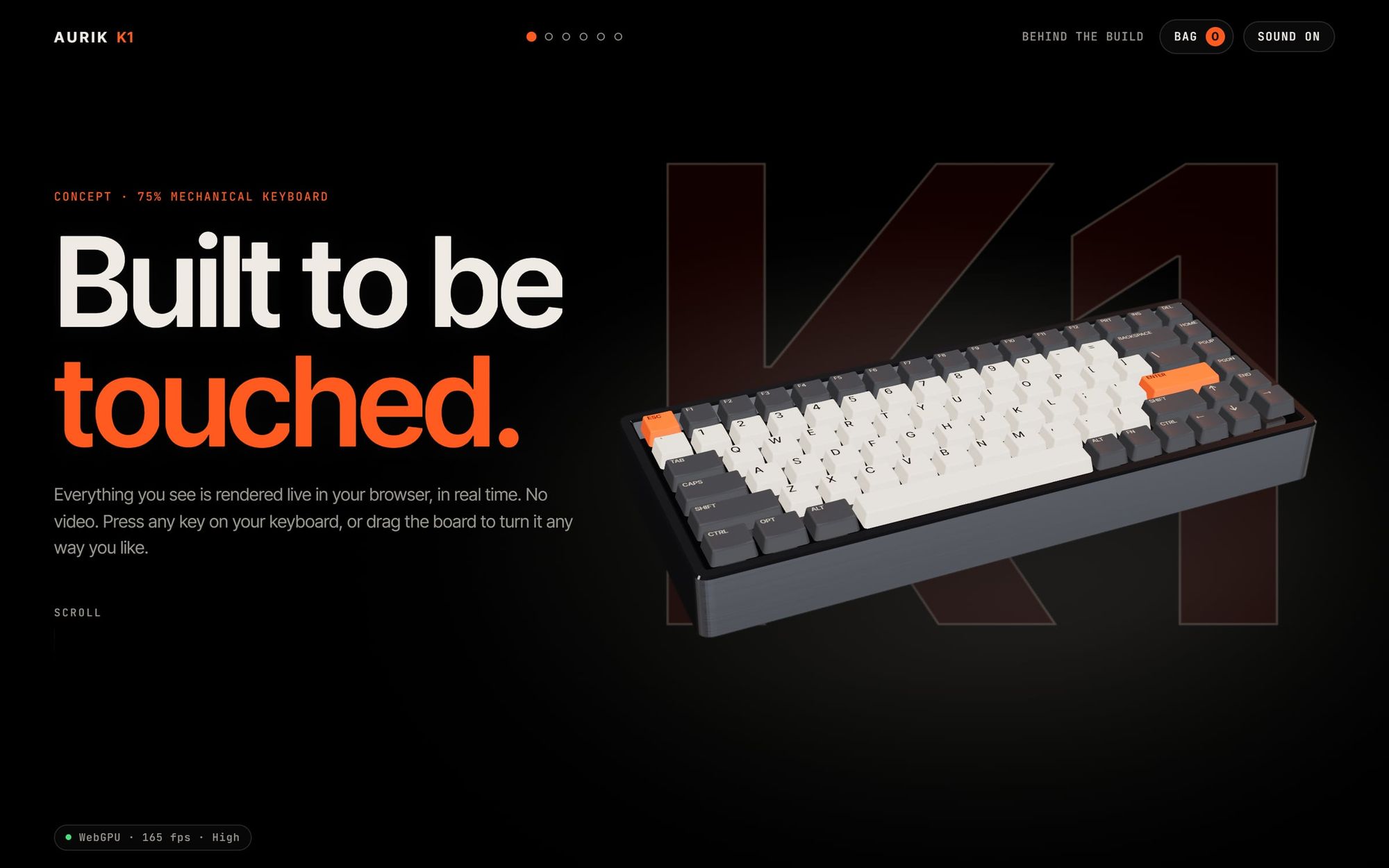
AURIK K1 is a fictional 75% mechanical keyboard, designed and built by ZeehiX to show advanced web engineering: a live 3D product you can scroll apart, type on, turn around and configure.
Highlights
- The whole keyboard is built in code and rendered live: no video, no 3D model files
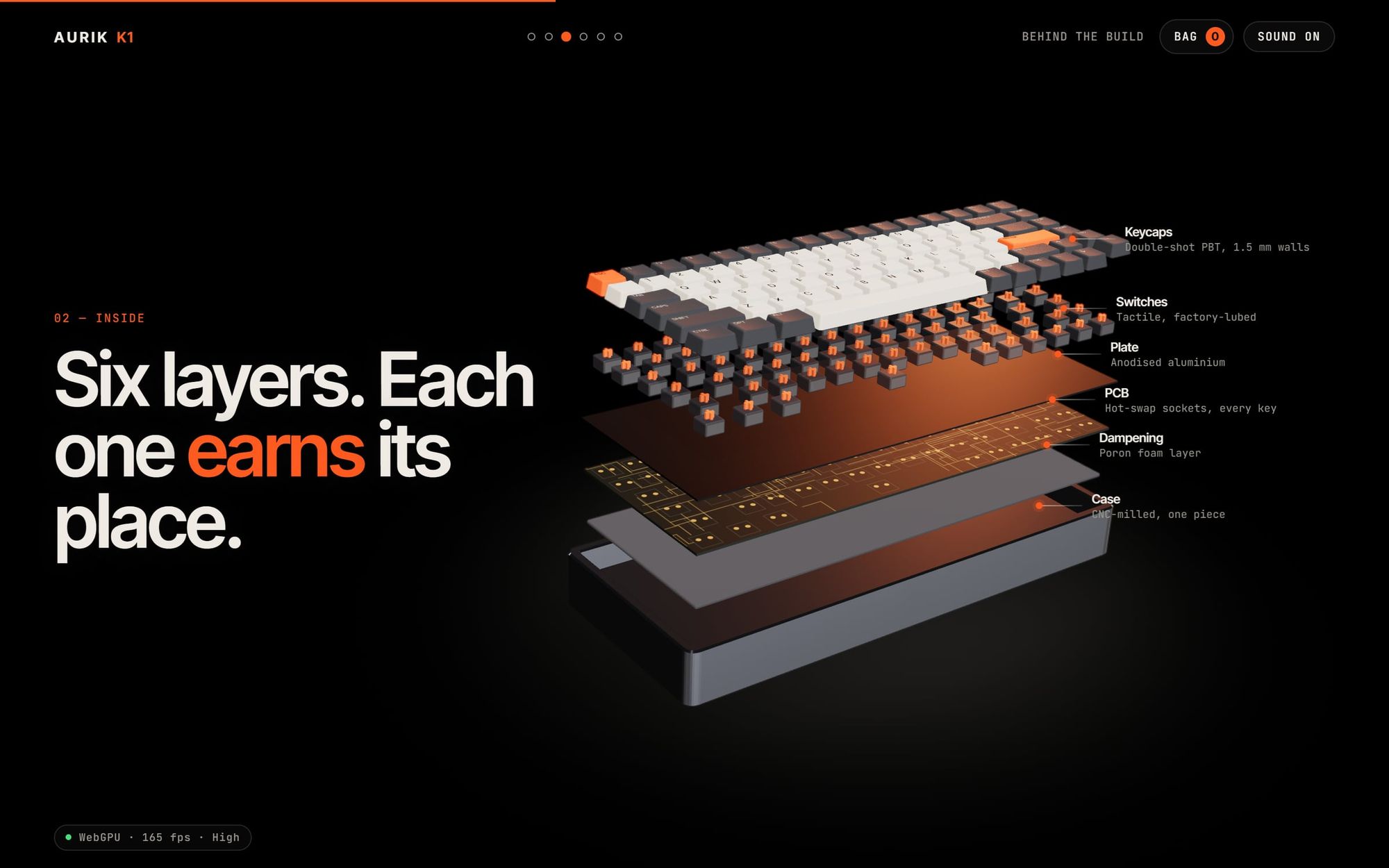
- Scroll story: drop-in intro, side profile, exploded view of six layers, switch close-up
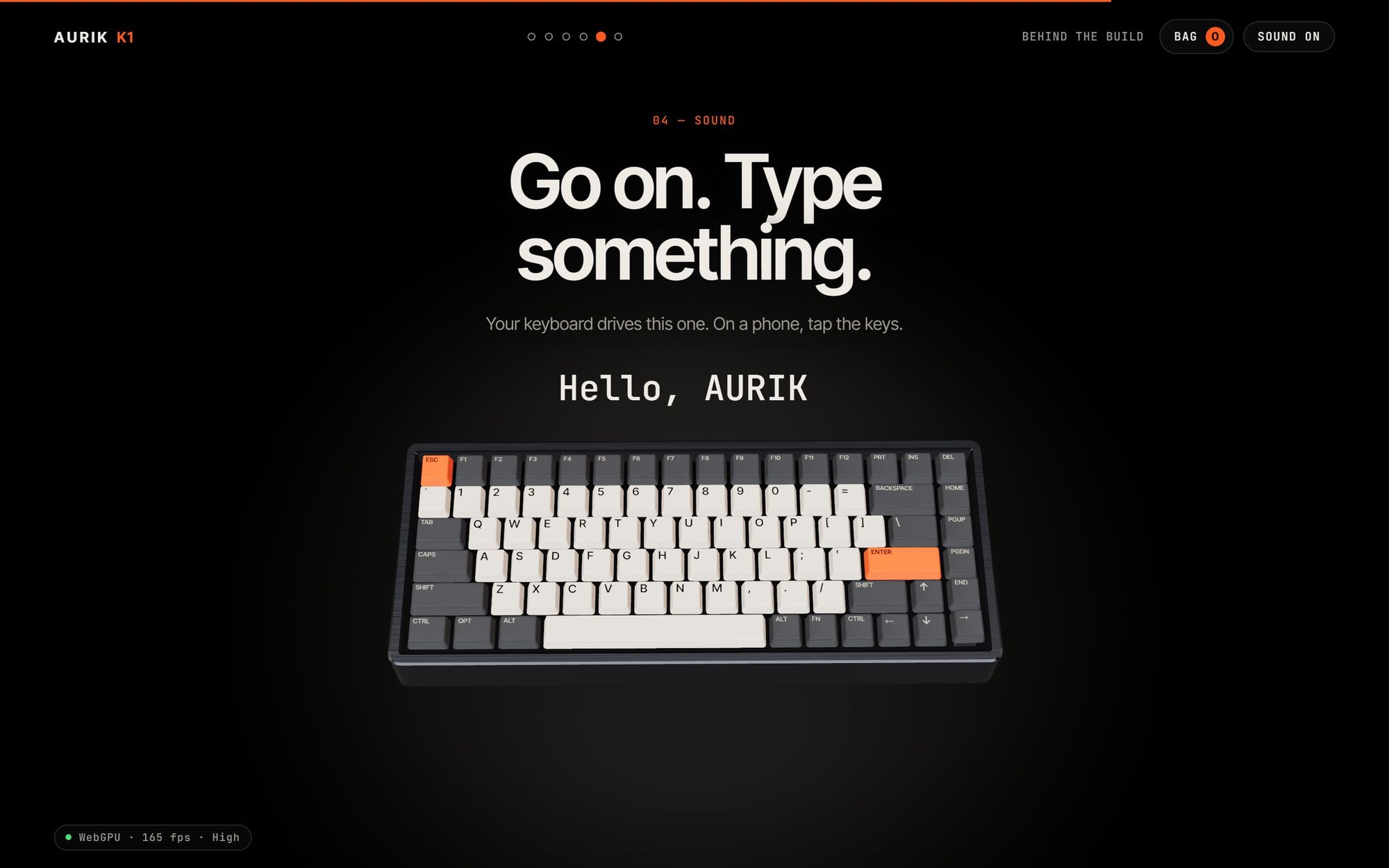
- Type on your real keyboard or tap the 3D keys, with synthesised switch sounds
- Drag to turn the board 360°
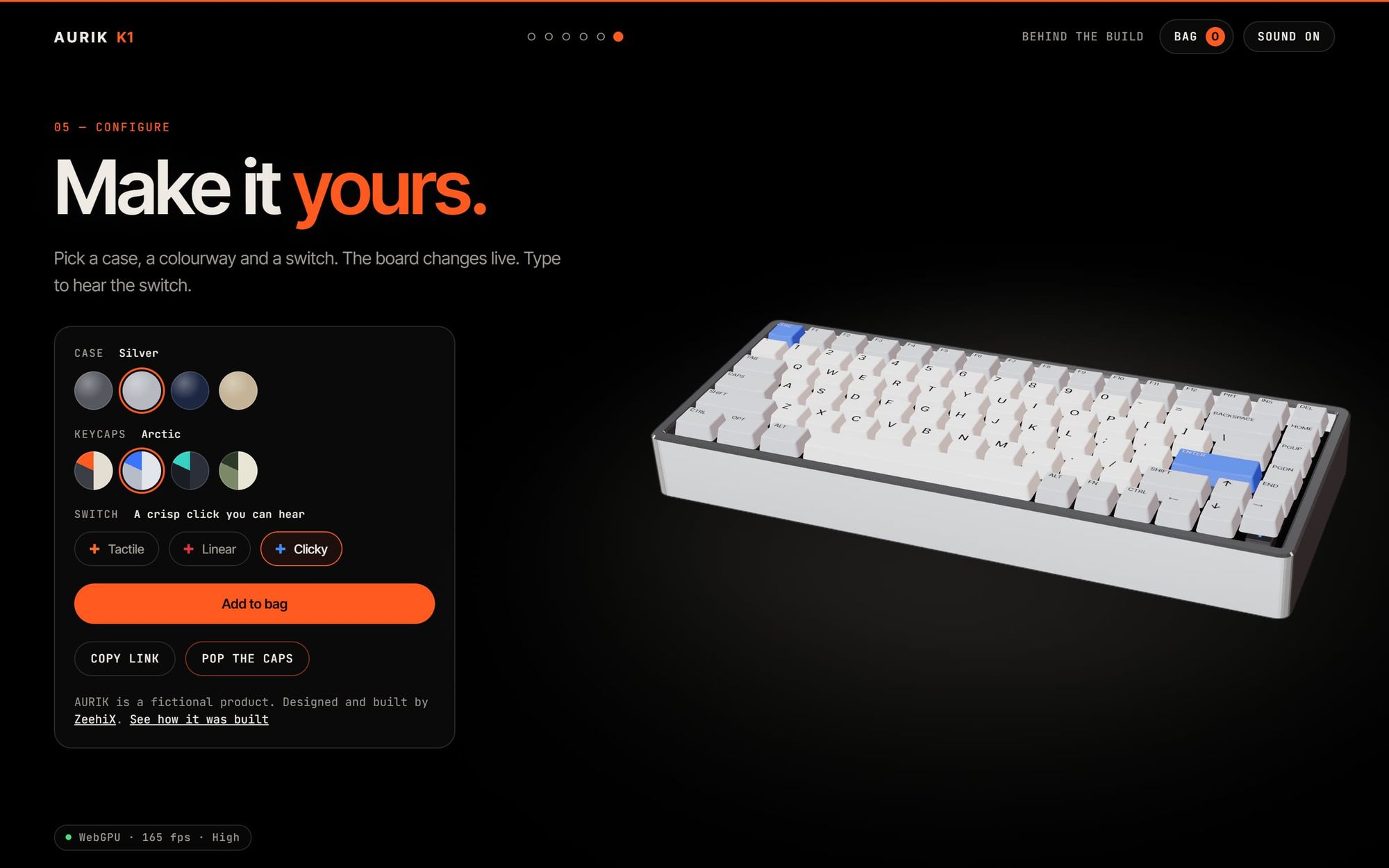
- Live configurator: case finishes, keycap colourways, switch types and shareable build links
- "Pop the caps" physics pile with Rapier
- Multi-page cart flow with View Transitions while the 3D stays live
- Adaptive quality (High, Medium, Low) with fallbacks for reduced motion and no WebGPU
What it is
AURIK K1 is a concept product. The keyboard does not exist and is not for sale: ZeehiX invented it, designed the launch site and built it, to show what a product page can do when the product itself is rendered live in the browser. Try it at aurik-k.vercel.app. It works best on a desktop with a keyboard.
Why a keyboard
A keyboard can be built entirely in code, without a 3D artist, and it invites people to touch it: typing, sound and a configurator are things a product video can’t fake. The same techniques work for any product a brand wants customers to explore before they buy.
What we built
- A keyboard made of code. 84 keycaps, switches, plate, circuit board, foam and a machined aluminium tray case with a brushed finish and polished chamfers, all generated in code. There are no 3D model files and no video.
- Studio rendering in the browser. three.js with WebGPU, falling back to WebGL 2 automatically. Studio lighting, soft shadows, and TSL post-processing (depth of field and bloom) on the High tier.
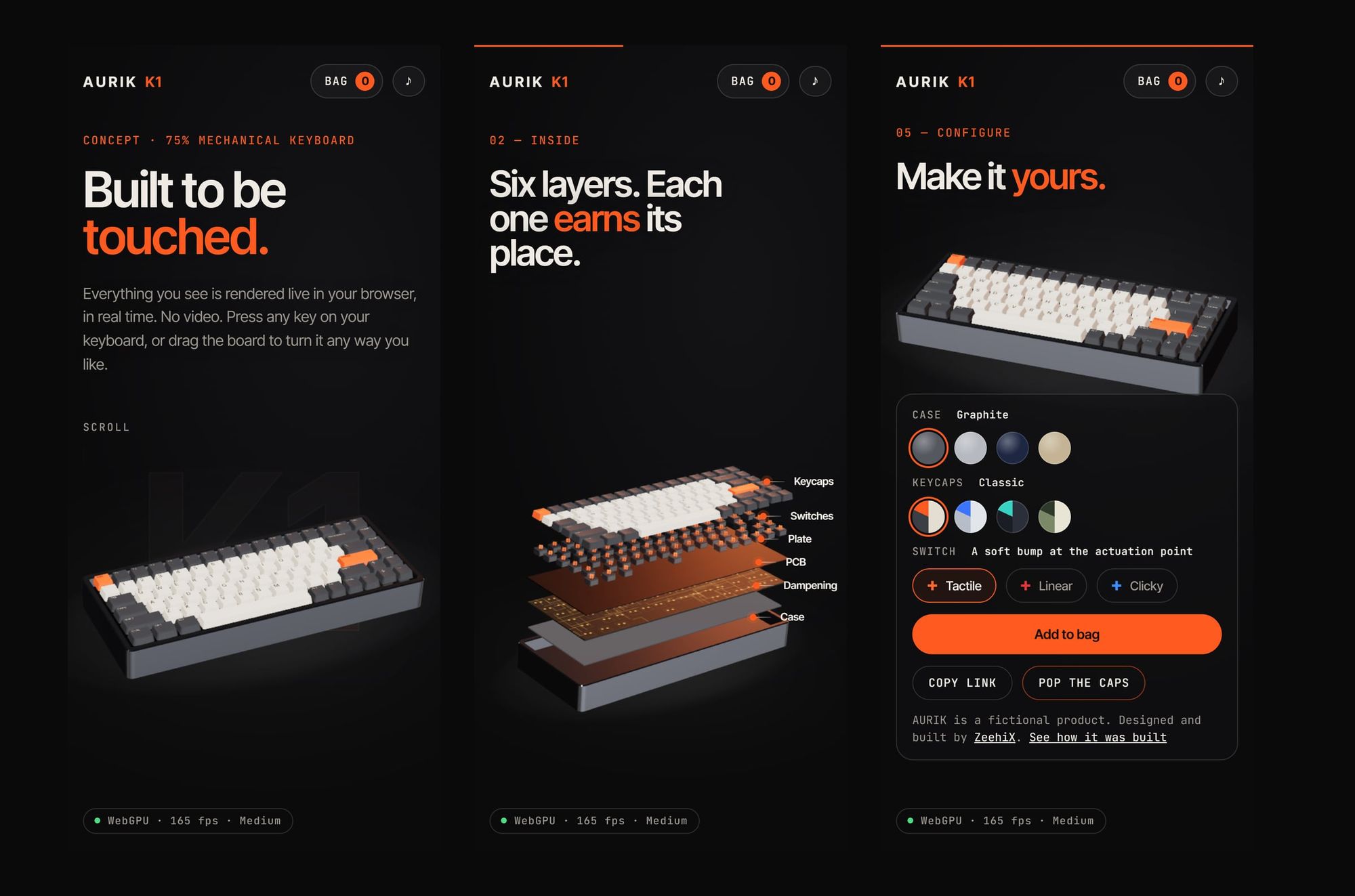
- A scroll story. Keys drop in as a wave, the board turns to its side profile, comes apart into six labelled layers, and the caps lift off to show the switches.
- Type on it. Your real keyboard presses the 3D keys, with capitals, Shift symbols and key repeat. On a phone, tap the keys. Each switch type has its own synthesised sound (Web Audio, no audio files).
- Turn it around. Drag the board to any angle, all the way round and underneath.
- A live configurator. Four case finishes, four keycap colourways and three switch types. New colours sweep across the keys as a wave, and every build has a link you can share.
- Pop the caps. One button throws all the keycaps onto the desk as real physics objects (Rapier), and another flies them home.
- A real shopping flow. Bag, review and confirmation pages change with View Transitions while the 3D keyboard keeps rendering. The cart ends honestly: “Concept, not for sale”, and no order is placed.
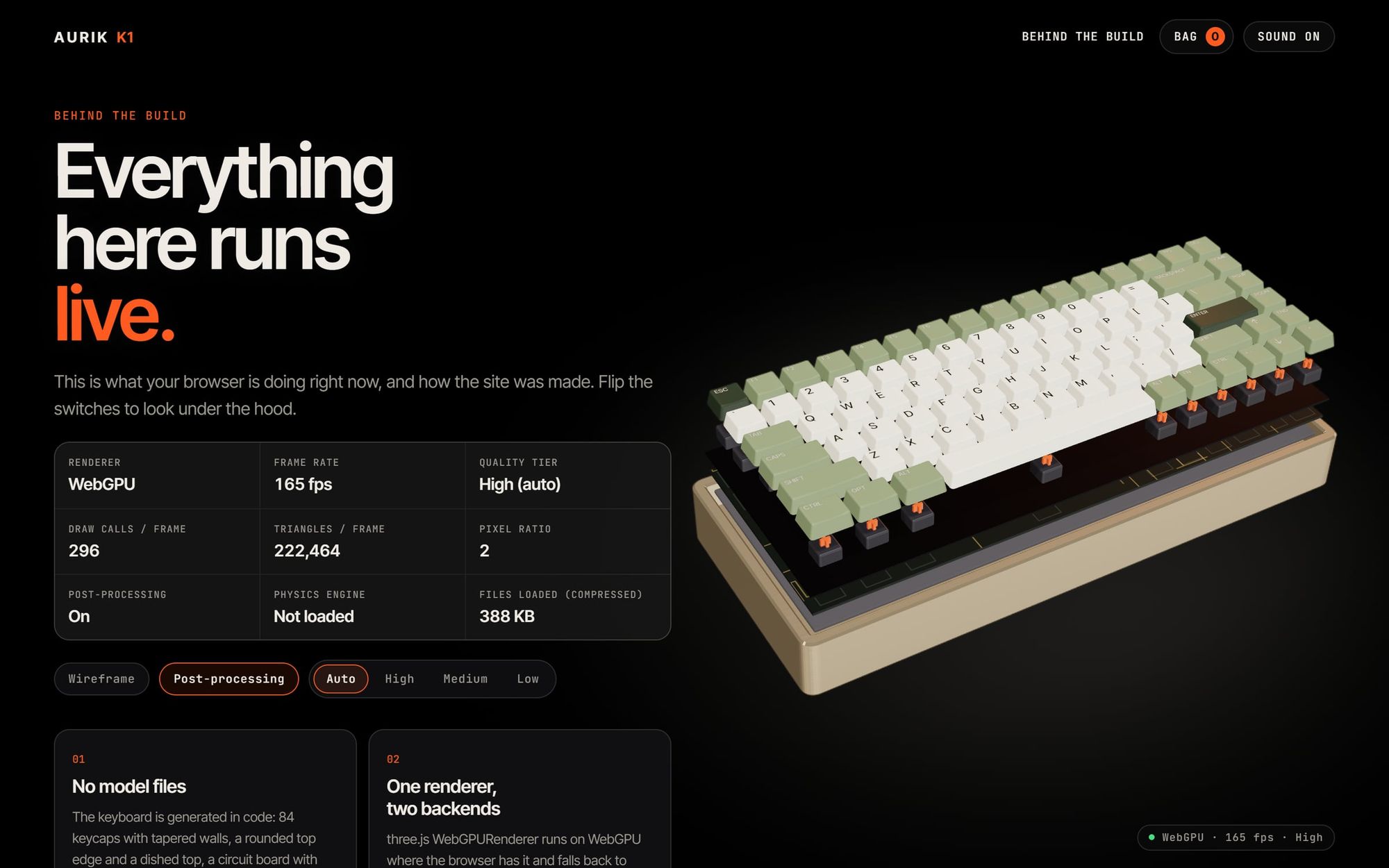
- Behind the build. A page that shows what your browser is doing right now: renderer, frame rate, quality tier, draw calls and triangles, with wireframe and quality switches.
Built to run well
- Adaptive quality. High, Medium and Low tiers, chosen automatically and lowered if the frame rate drops.
- Fallbacks. WebGL 2 when WebGPU isn’t available, and a calmer version for people who prefer reduced motion.
- Small first load. The main JavaScript is about 109 KB gzipped. The 3D engine loads separately, and the physics engine only when you press “Pop the caps”.
- Accessible. An axe-core audit against WCAG 2.1 AA found zero violations on every page, at desktop and phone sizes.
- Fast on desktop. About 150–165 frames per second on our desktop test machine (the display’s limit).
More from ZeehiX
 LivePlatform
HALVANE H-01
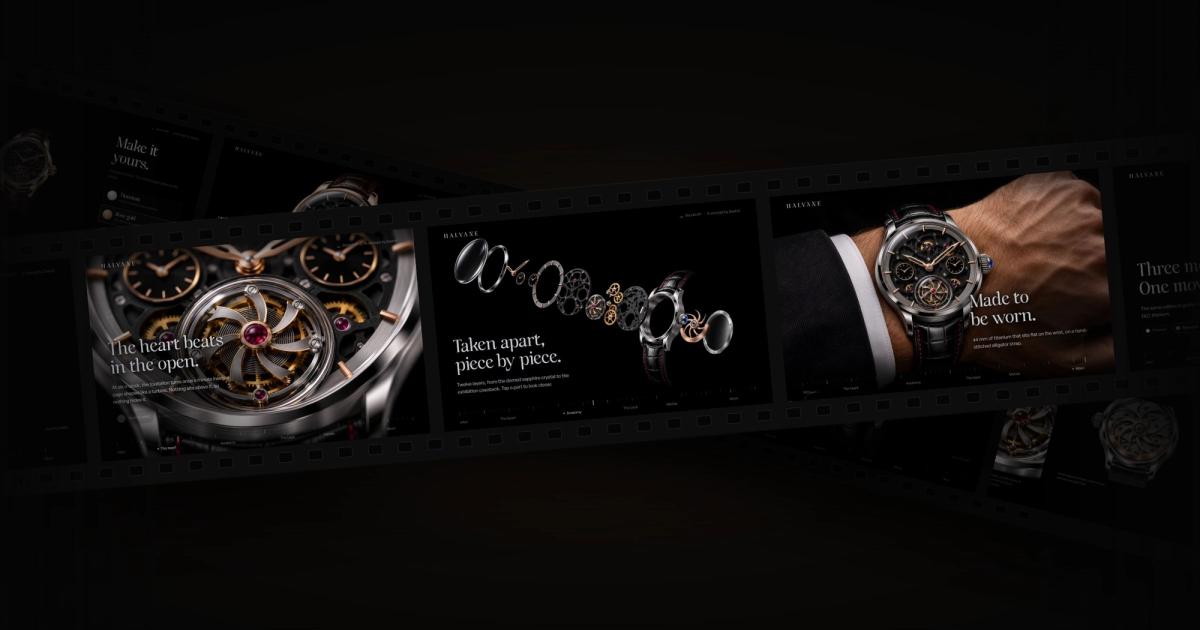
A launch film you scroll, for a concept flying tourbillon watch
- Vite
- JavaScript
- GSAP ScrollTrigger
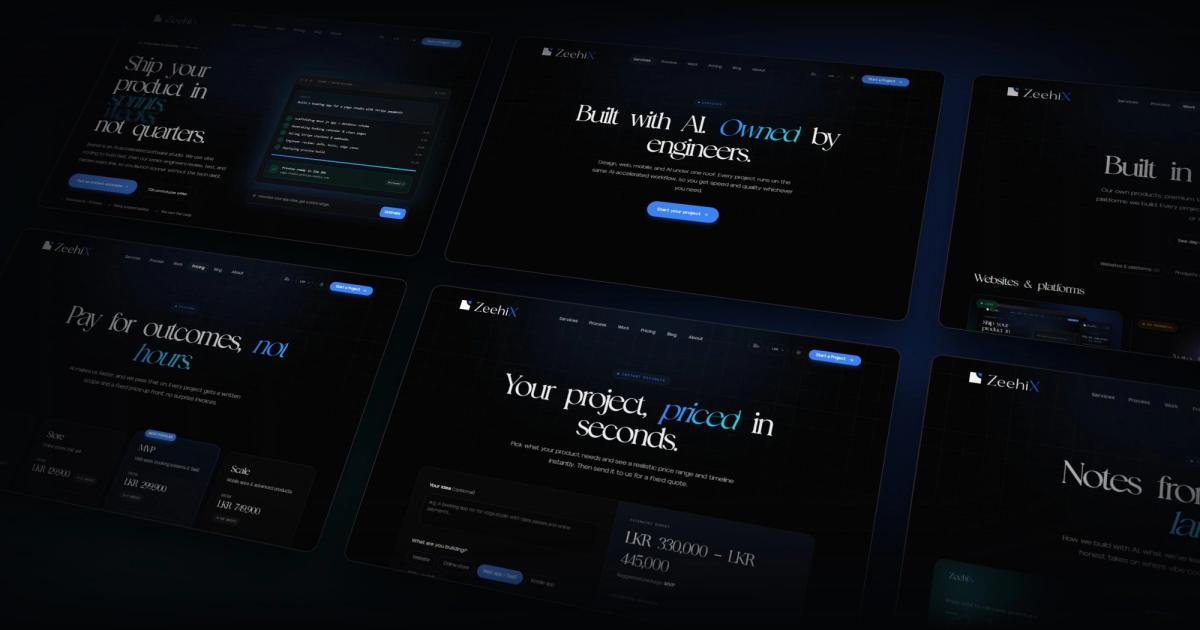 LivePlatform
zeehix.com
Our own studio website, designed and built with AI-accelerated development
- Next.js
- Tailwind CSS
- Sanity
In progress
PlatformAuto Parts Store
An online store for vehicle spare parts
- Next.js
- TypeScript
- Framer Motion
Got an idea? Let's ship it this month.
Tell us what you want to build. You will get a scoped plan and a fixed quote within one business day.